

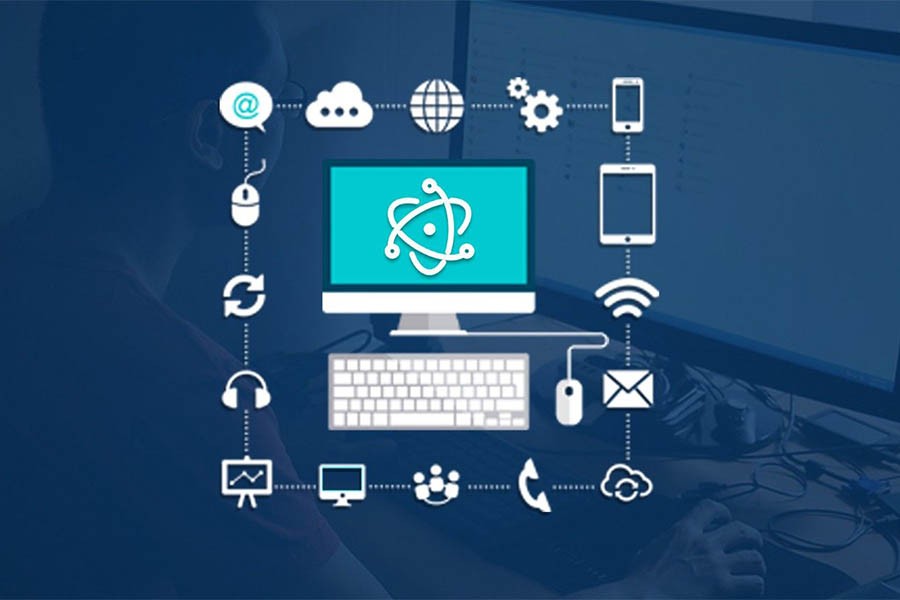
Desktop Application
Desktop applications are programs designed specifically to run on desktop or laptop computers. They are installed directly on the device and operate independently of the browser. These applications offer a wide range of functions and services that users use daily to accomplish their various tasks.
How do desktop applications work?
• Installation: The application is installed on the device through its installation files.
• Operation: The application runs independently of the browser, and can be accessed through the programs menu or through a shortcut on the desktop.
• Interaction with the system: Desktop applications interact directly with the operating system, giving them greater access to device resources and performing complex operations.
Advantages of desktop applications:
• High performance: Desktop applications run faster and more smoothly than web applications, especially in tasks that require large resources.
• Advanced functions: Desktop applications offer a wide range of advanced functions that are not available in web applications.
• Internet independence: Desktop applications can be used without the need for an Internet connection, making them useful in environments where the connection is unavailable or unstable.
• Customization: Desktop applications can be customized to meet the individual needs of the user.
Examples of desktop applications:
• Word processing: such as Microsoft Word and LibreOffice Writer.
• Spreadsheets: such as Microsoft Excel and LibreOffice Calc.
• Presentations: such as Microsoft PowerPoint and LibreOffice Impress.
• Graphic design: such as Adobe Photoshop and CorelDraw.
• Development: such as Visual Studio Code and Android Studio.
• Communication: such as Skype and Zoom.


